

Step 1
Run the desired simulator Android Studio/Xcode or BrowserStack or Physical Devices
Step 2
Adjust the global and mobileBrowser configuration according to your needs
Step 3
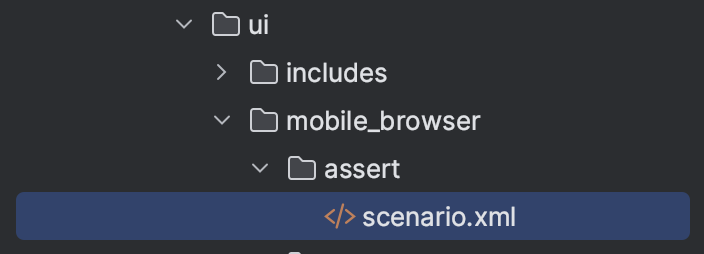
Create a folder with the name of the test scenario inside the
scenariosfolder
Create a file
scenario.xmlinside of the folder
Step 4
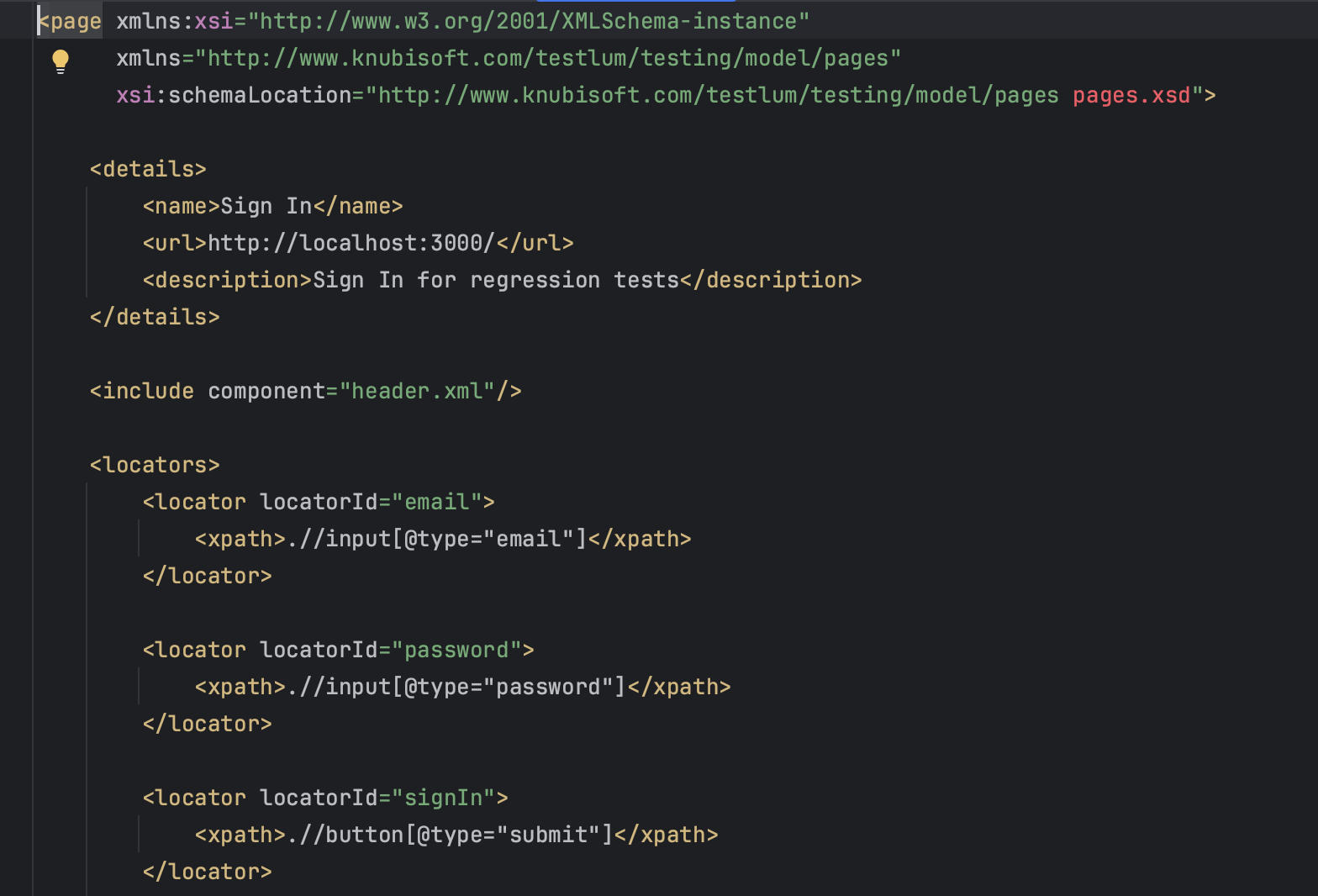
Open locators folder
Create a "Locator Pages" file inside the "pages" folder and name it
Fill in all necessary data in <details> tag (name, URL, and description )
Open the tag
<locators>
Create the necessary number of locators which were previously collected
Step 5
Open the created file
scenario.xml
Fill in the data in <overview> tag
Fill in the data in <settings> tag
A description of the tested scenario (required)
A name of the tested scenario (required)
A name of the developer, you can indicate the person who developed the test, or which developer the bug is based on (optional)
A link to the site, or documentation, or anything else useful for the test (optional)
A link to a Jira ticket, or anything else useful related to Jira (optional)
Set the settings parameters according to the necessary conditions specified in scenario collecting
Set the tag written in
global-config-file.xml( To run the scenario by tags )
Step 6
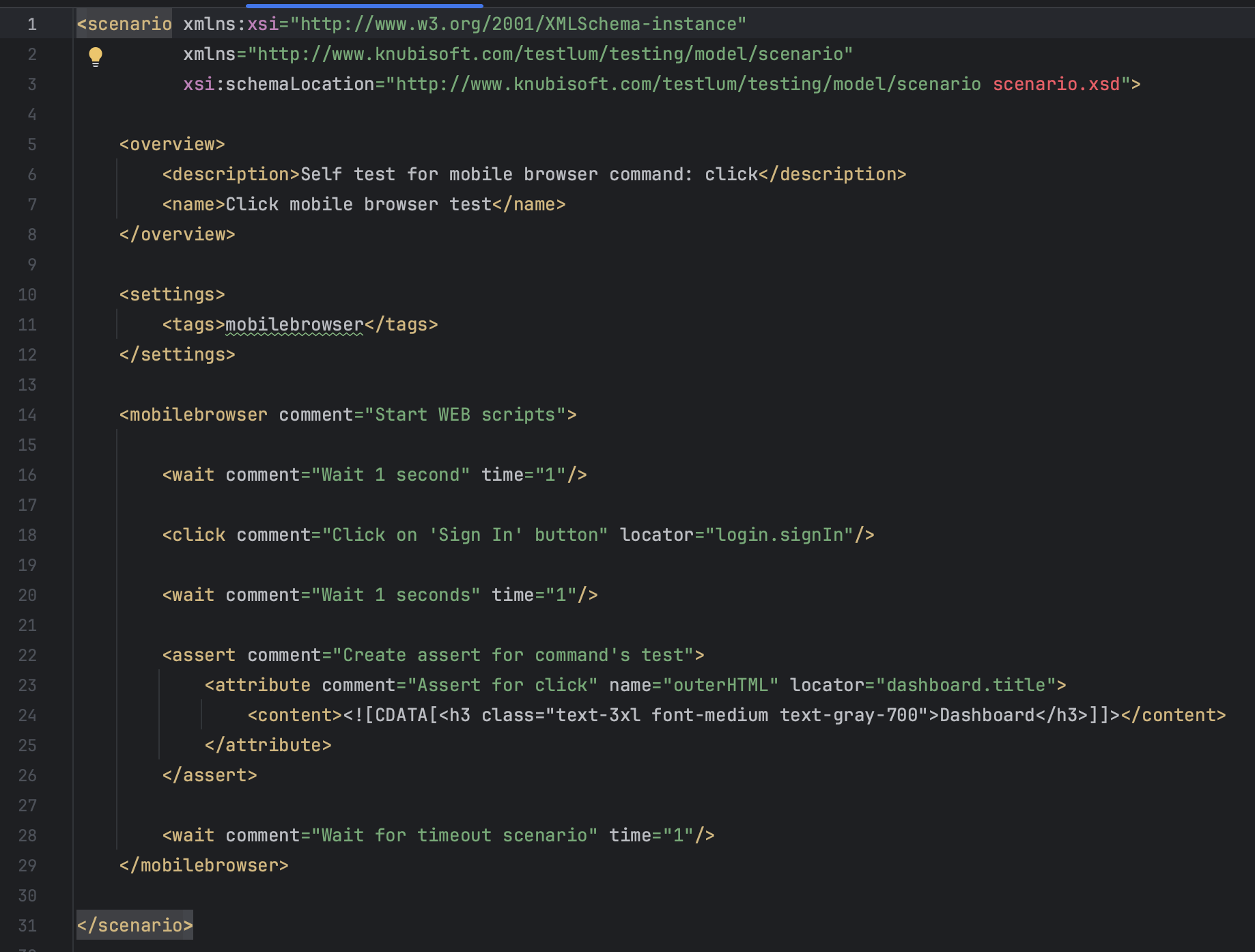
Open up mobilebrowser command in
scenario.xmland start writing your tested scenario with the necessary mobile browser command
Step 7
Run Testlum