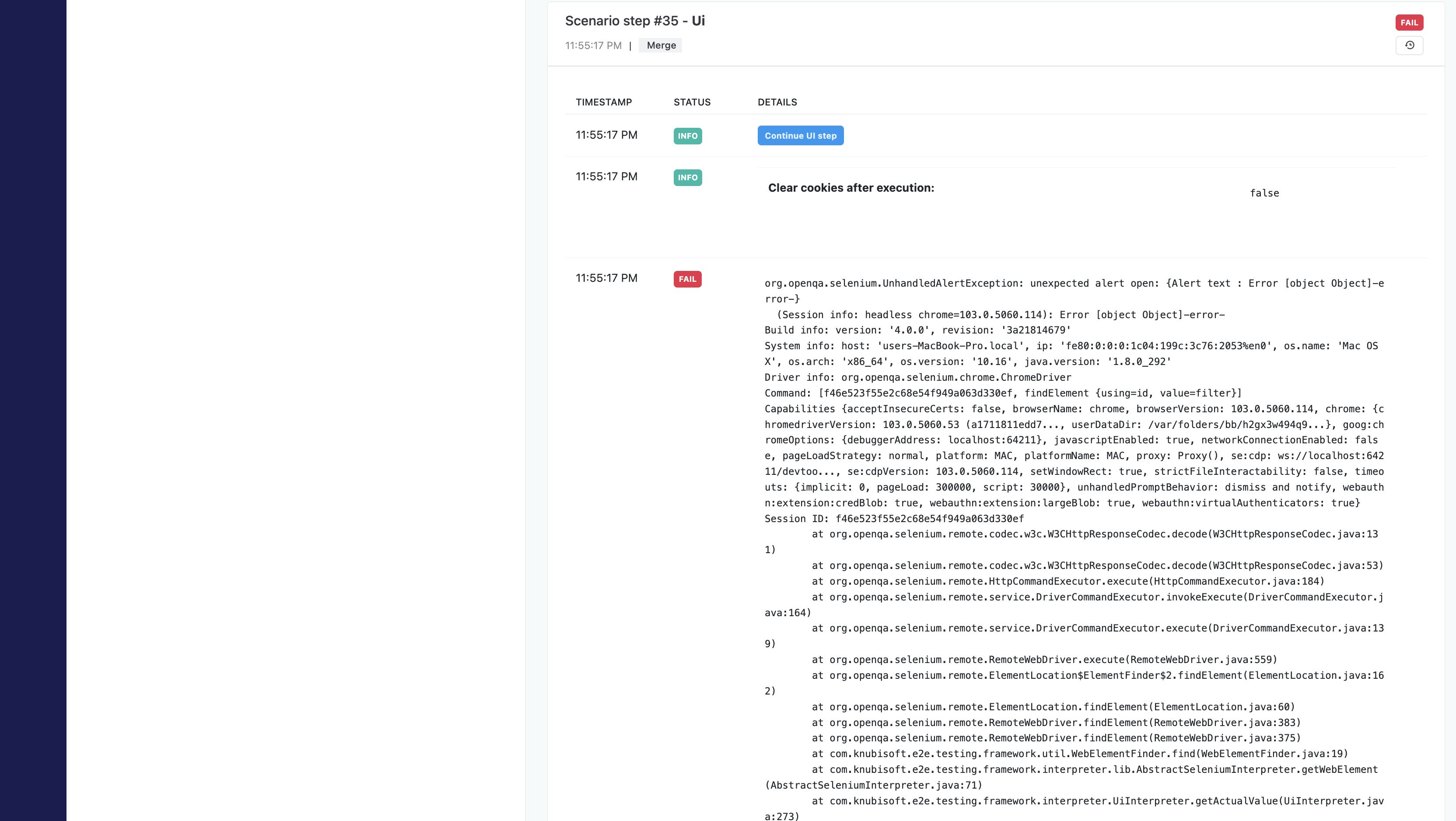
To generate a report on the server, you must have a 'docker-compose-report.file' created and configured.
Running a report
To run a report on the server, make sure that
<klovServerReportGenerator enable="true">.Run your docker-compose-report.file.
Go to the specified
hostin global.config.file - inside the tag<klovServer url="http://localhost:1010"/>.Run the test scenarios.
Dashboard Server Report
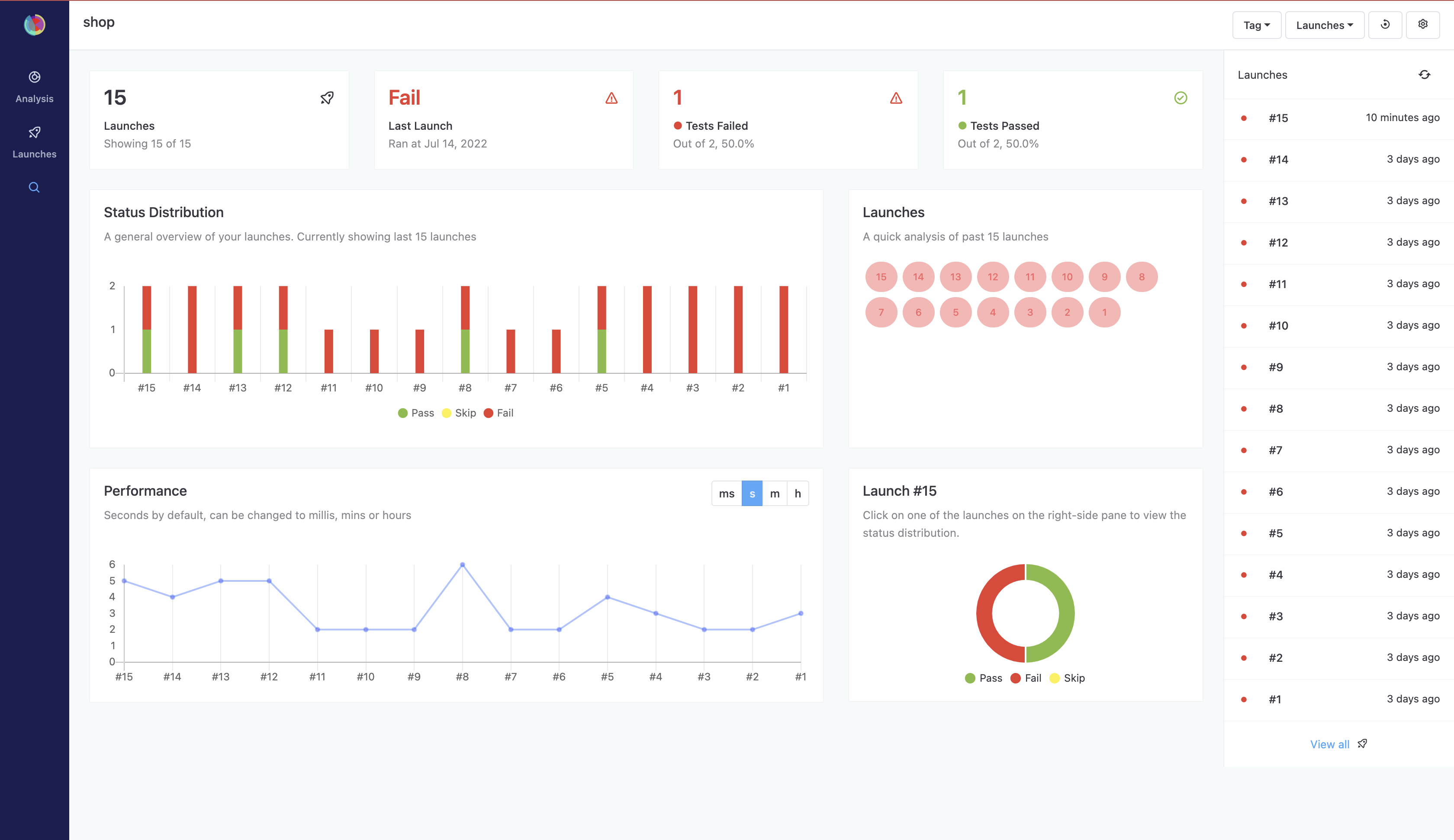
The dashboard page contains information about:
Total number of runs
Result of the last run
Number of tests passed
Number of failed tests
A general overview of your runs in the form of a graph
Performance graph
Ability to sort all runs
Ability to search for a specific test scenario
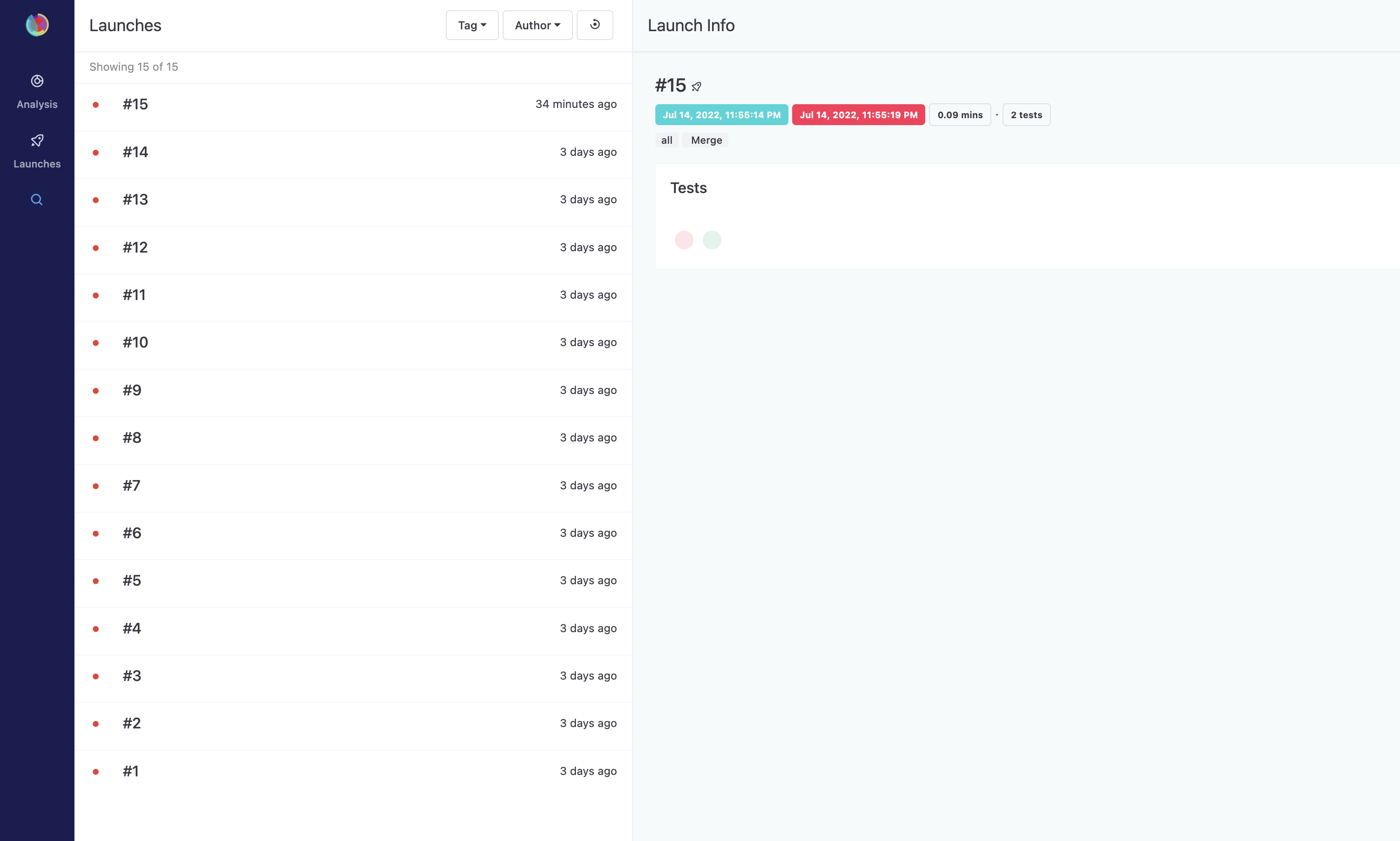
Displaying all the runs:
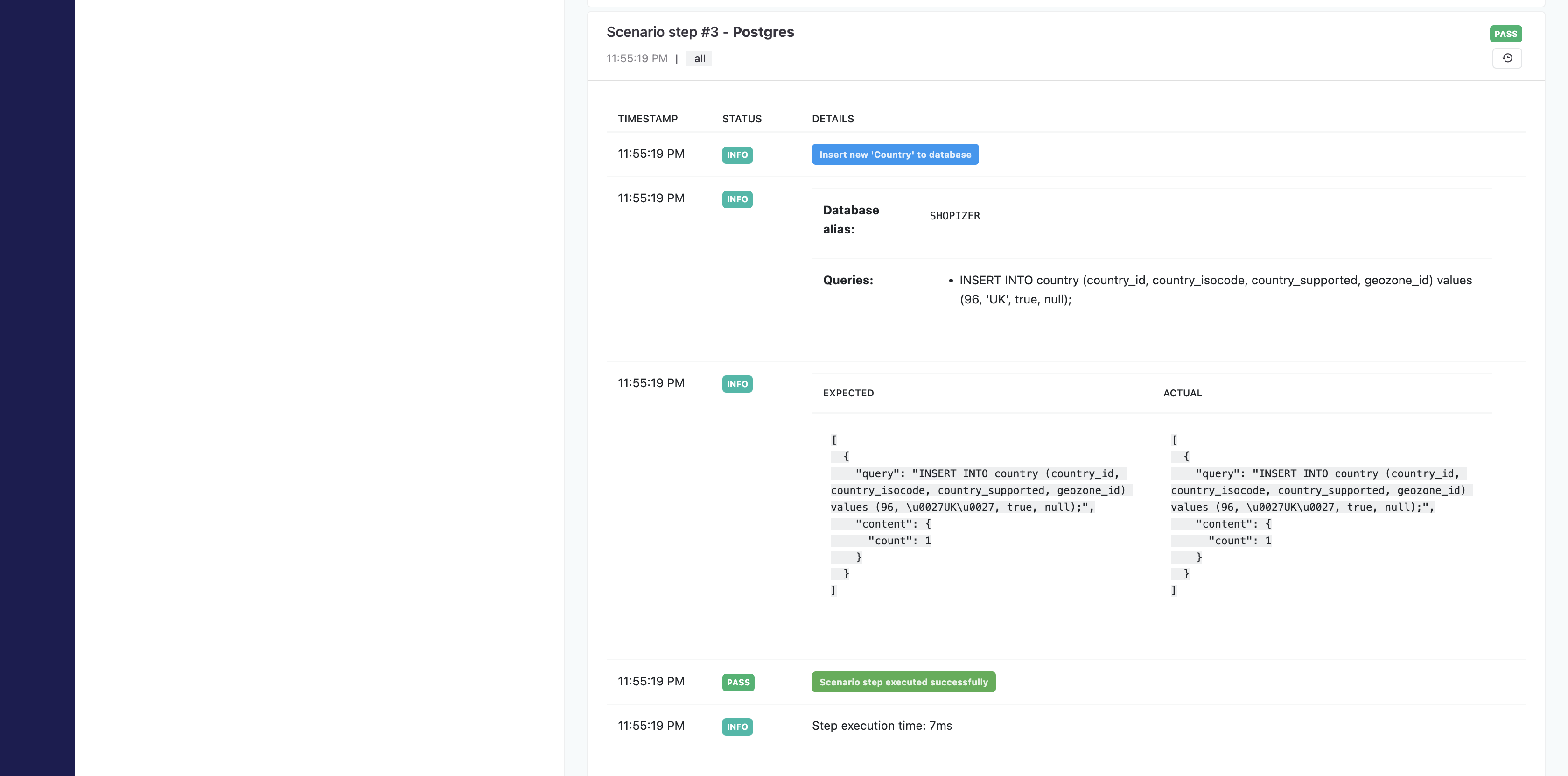
Ability to view every step of the test scenario
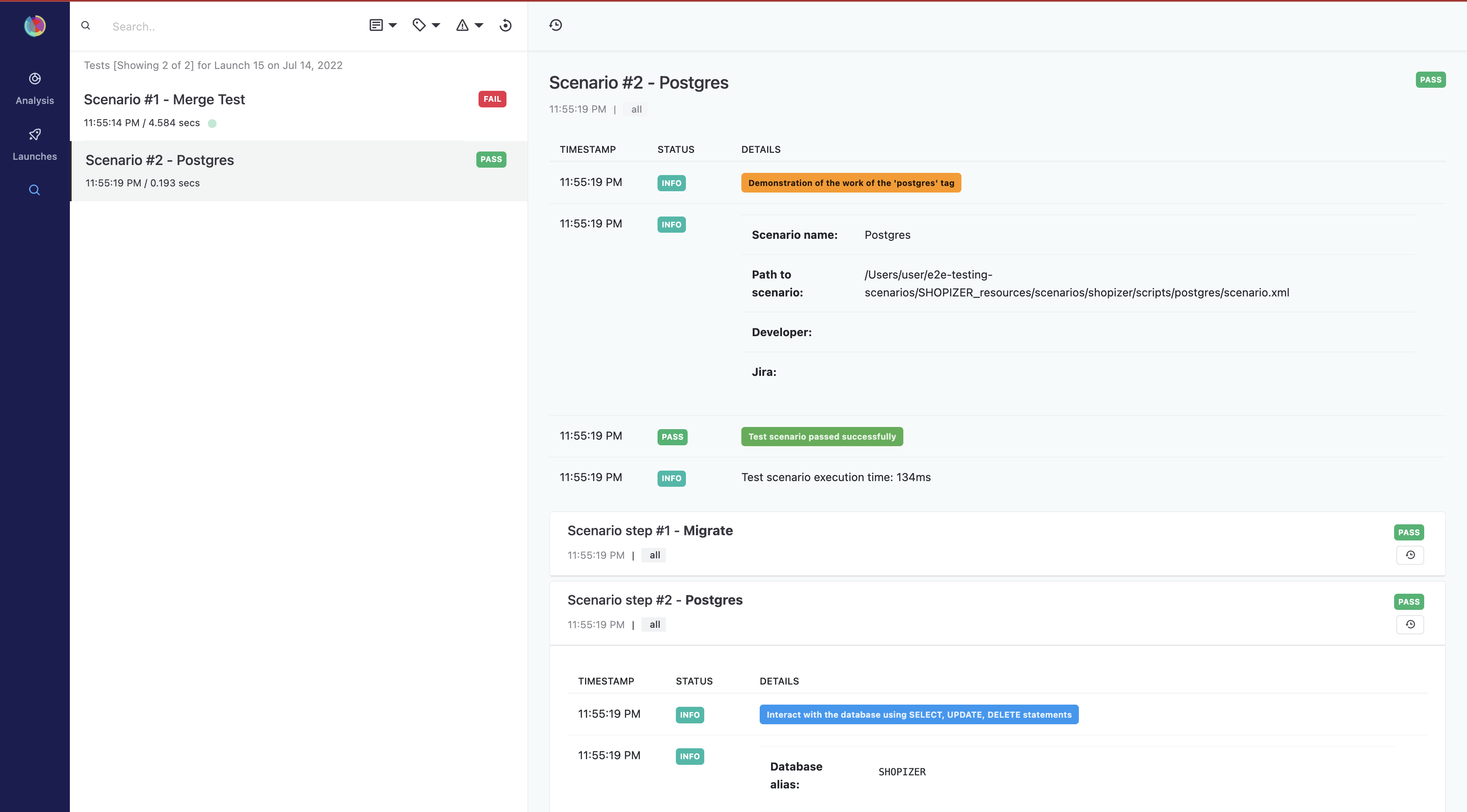
Detailed display using 'Comparison' functionality
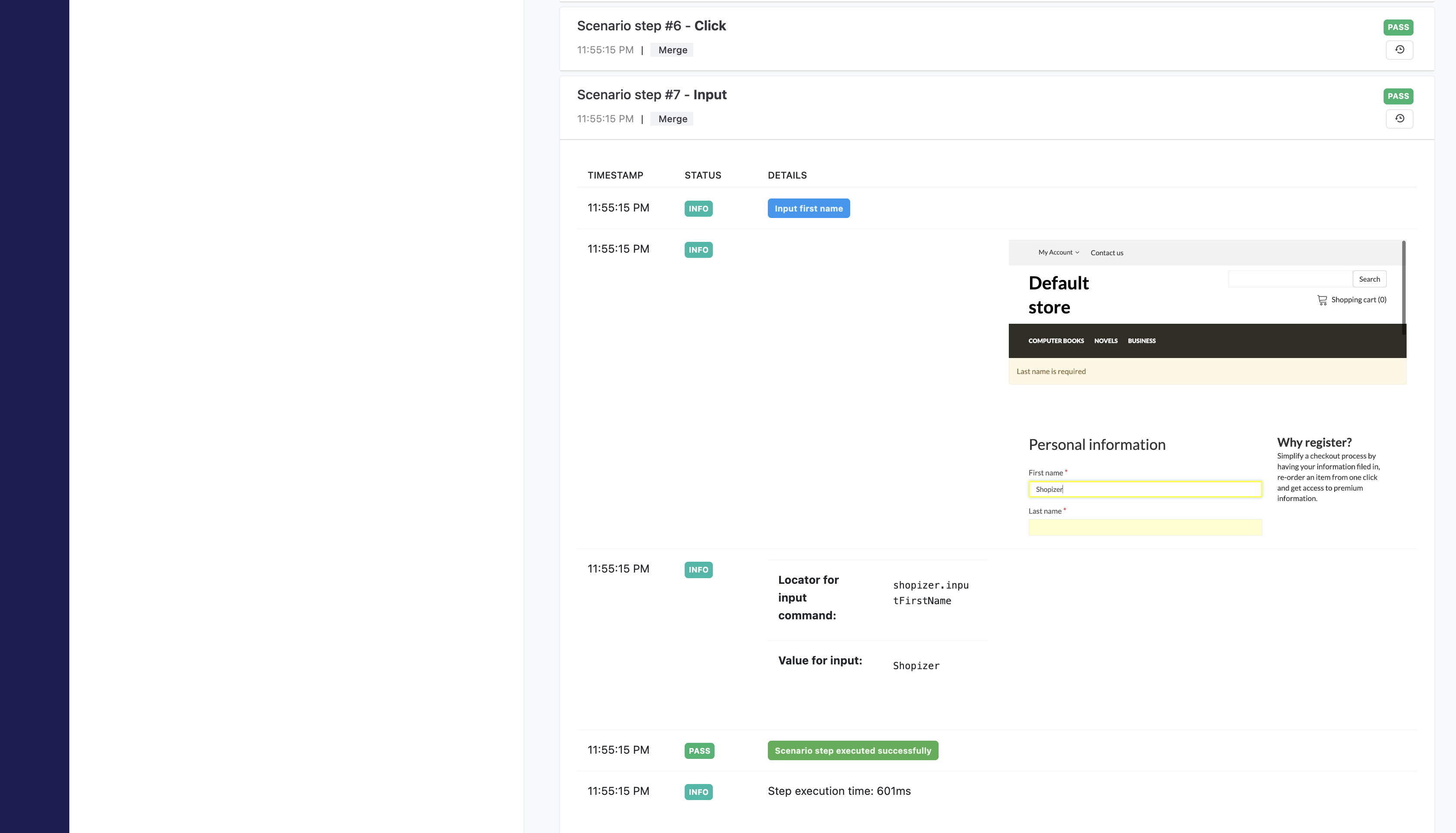
Ability to view all the screenshots of each WEB step
Full stackTrace