

There is a command in the ui.xml configuration file called <takeScreenshots> - which is a function that captures each step of scenario execution. You can enable or disable it. Therefore, you are able to configure specific browsers with this function.
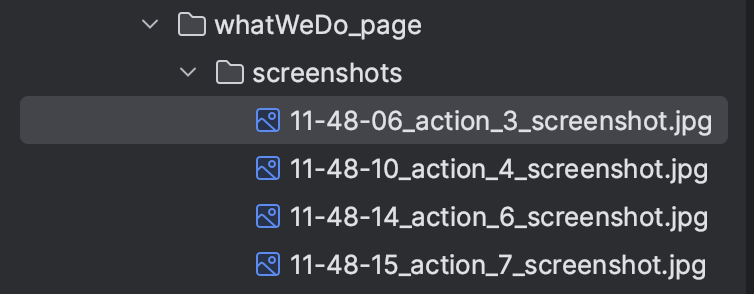
Takes screenshots for each UI test step. Screenshots will appear in screenshots folder. And they can be check after running the test. In addition, they can be seen in reports: open the test report in the report folder and see each step of the UI test with an attached screenshot.
Advantages:
Capturing screenshots without launching a browser
Capturing screenshots in the Docker
Automatic generation in the scenario folder
Capturing exceptions
This function also makes it easy to view the scenario step at which an error occurred as <screenshotsLogging> captures an exception. This way, the cause of the scenario can visually detect errors by running the scenario in different browser settings.